Turn Any Web Page into Clean Markdown for Your AI — UnDercontrol Web Clipper
You want to hand a web article to an AI — to summarize it, translate it, or ask questions about it. How do you do that today?
Select-all and copy? You paste a mess of navigation bars, ads, recommendation widgets, and broken formatting. Send the link? Many AI tools can't fetch pages, and when they can, the result is often incomplete.
The UnDercontrol Web Clipper Chrome extension gives you a cleaner answer: click Copy Markdown, and the page's article content is extracted into tidy Markdown on your clipboard — no login, no account, no configuration. Install it and it works on any page. Paste it into Claude, ChatGPT, or any AI, and what it gets is pure content with zero noise.
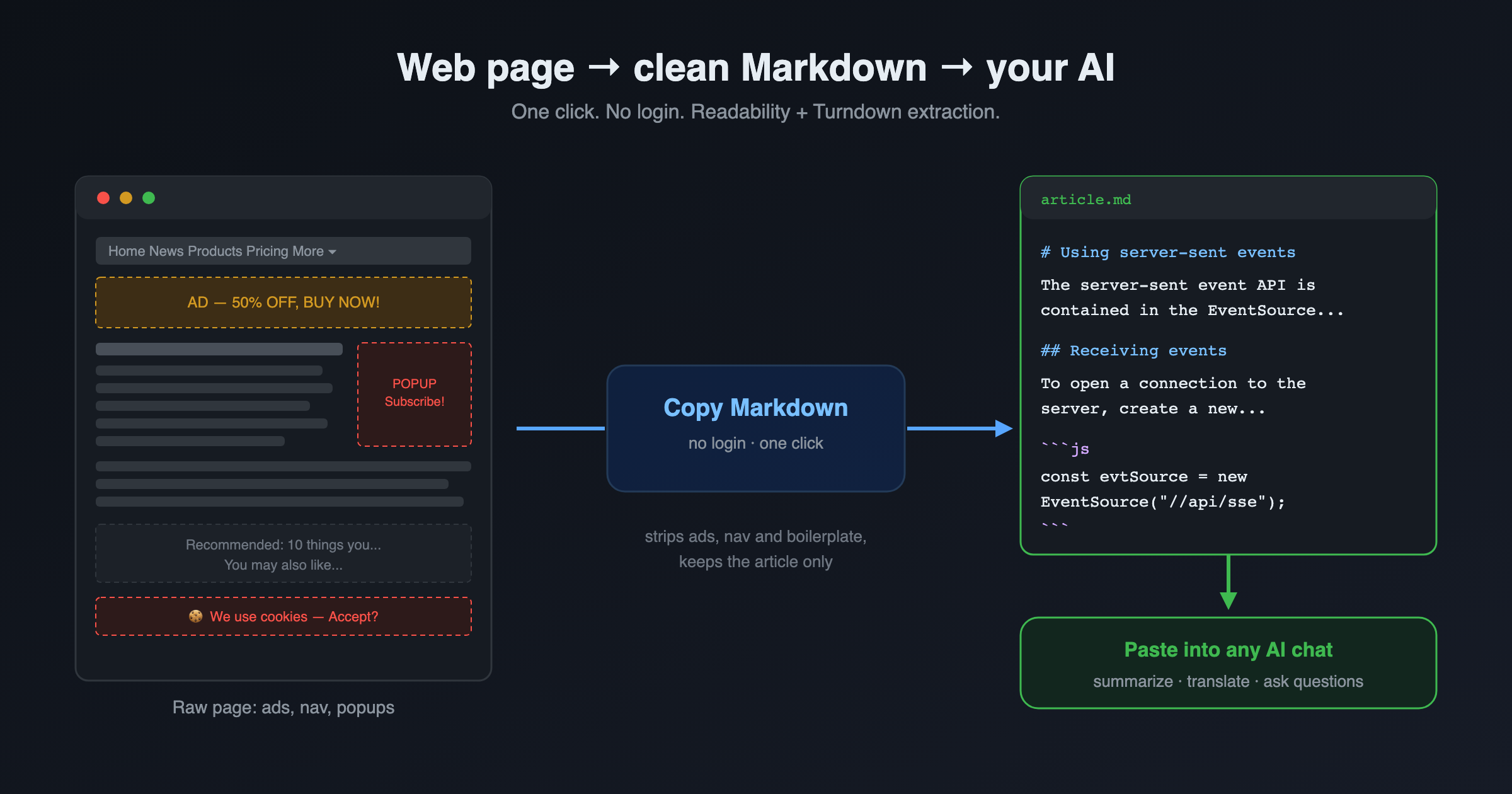
Copy Markdown: copy, redesigned for the AI era
This is the extension's most-used feature, and it doesn't depend on an UnDercontrol server at all:
- One-click copy: the page's article content lands on your clipboard as clean Markdown
- Smart extraction: powered by Readability + Turndown — ads, navigation, sidebars, and other non-content elements are stripped automatically
- Zero barrier: no sign-up, no login; works instantly on any page
- Robust: heavy elements like video and canvas are skipped automatically, so complex pages won't drag your browser down
Markdown is an AI's native language — clean structure, no markup noise. For the same article, pasting Markdown instead of a raw select-all copy gets you noticeably better comprehension and answers, and saves tokens too.
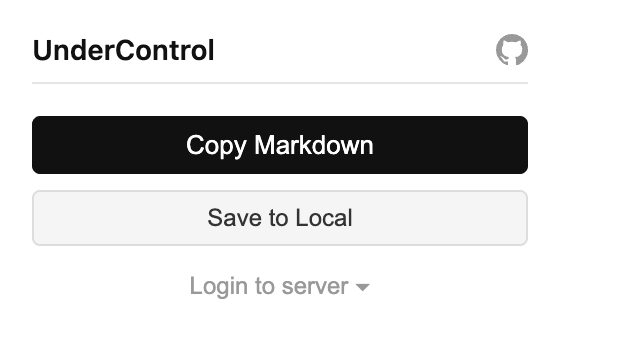
Save to Local: archive without logging in
Local save also works without any login. One click downloads two files:
- A complete HTML snapshot: built on the open-source SingleFile, it inlines HTML, CSS, images, and fonts into a single self-contained file that opens offline, exactly as the page looked
- The extracted Markdown: the same clean article content that Copy Markdown produces
Links rot and pages get redesigned, but a snapshot is forever the page as it was the moment you saved it. Archive articles, research material, and time-sensitive pages — no server required.
Save to UnDercontrol: clipping joins your workflow
If you use UnDercontrol (the extension connects via login or an API key — self-hosted instances work out of the box), clipping goes one step further: the page becomes a task.
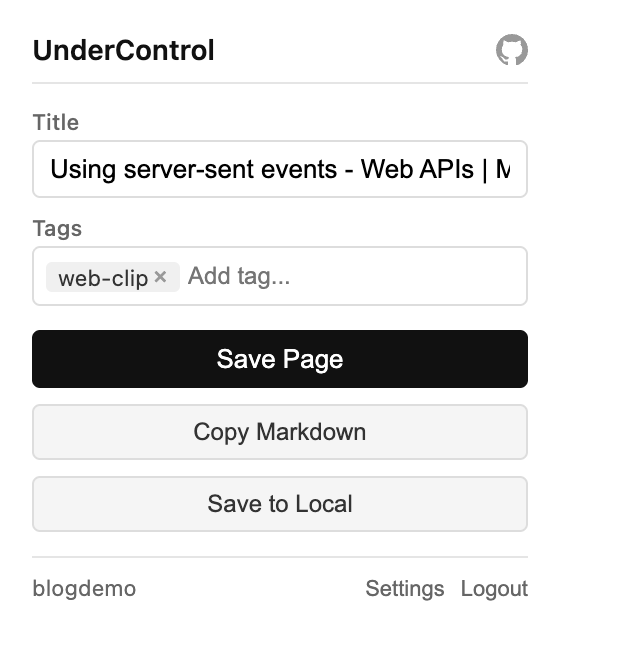
- The Markdown content goes into the task description — readable and editable right inside the task
- The HTML snapshot is attached to the task, so you can always reconstruct the original page
- From there you get the full task toolkit: tags, kanban boards, links to other tasks, notes for your conclusions
- AI agents can reach it: through the ud CLI, Claude Code, Codex, OpenCode, or any terminal-based AI agent can read the task — the description already contains ready-to-use Markdown, so the agent never needs to scrape the web page itself
Here's a task produced by a real clip: the description starts with the source URL, the body is the extracted Markdown, and the full HTML snapshot hangs off the attachments panel:
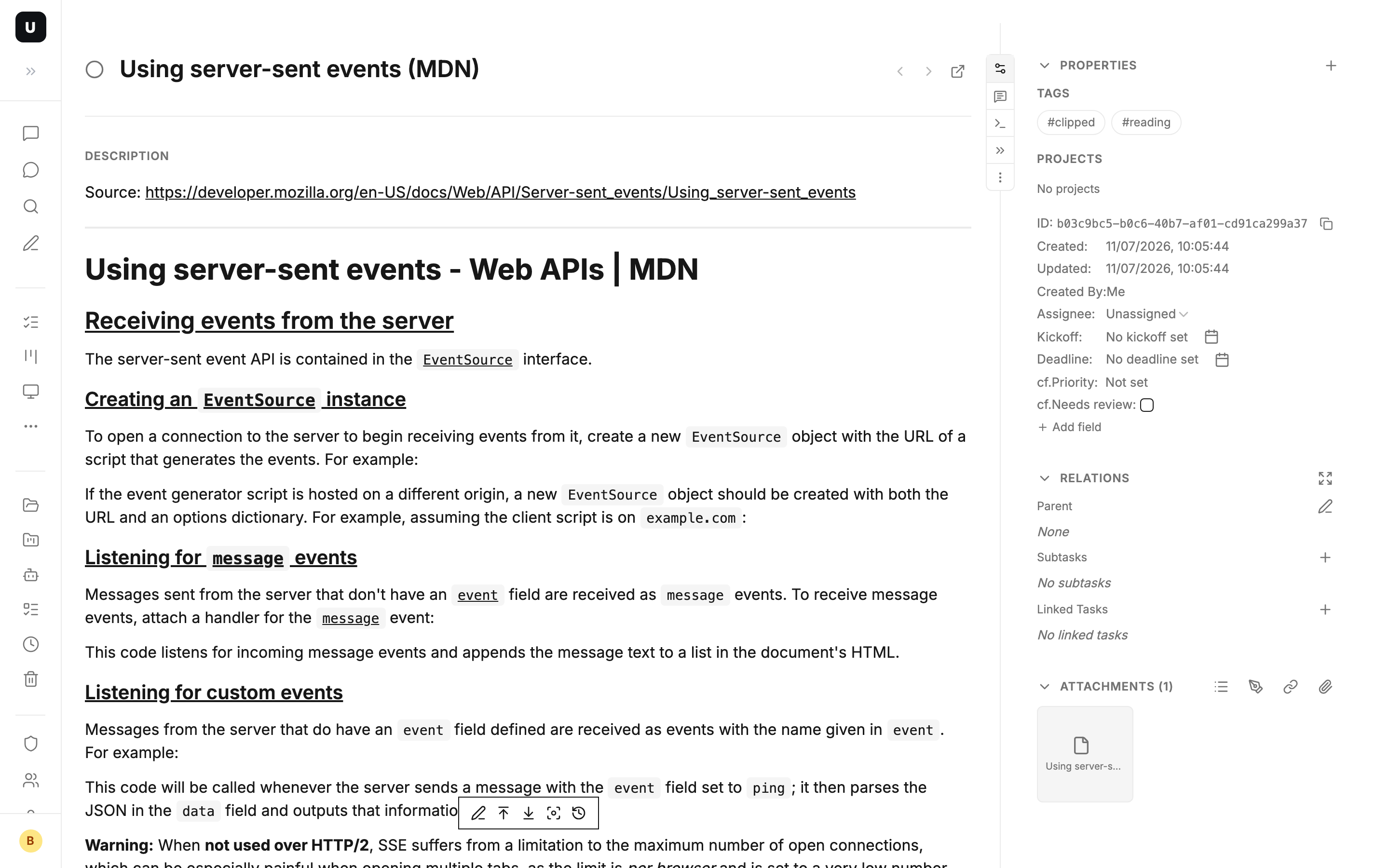
In UnDercontrol, a task has never been just a to-do item — it's a universal information container. Web clipping is simply one more way for information to enter it.
Bonus: Bilibili video subtitles become transcripts
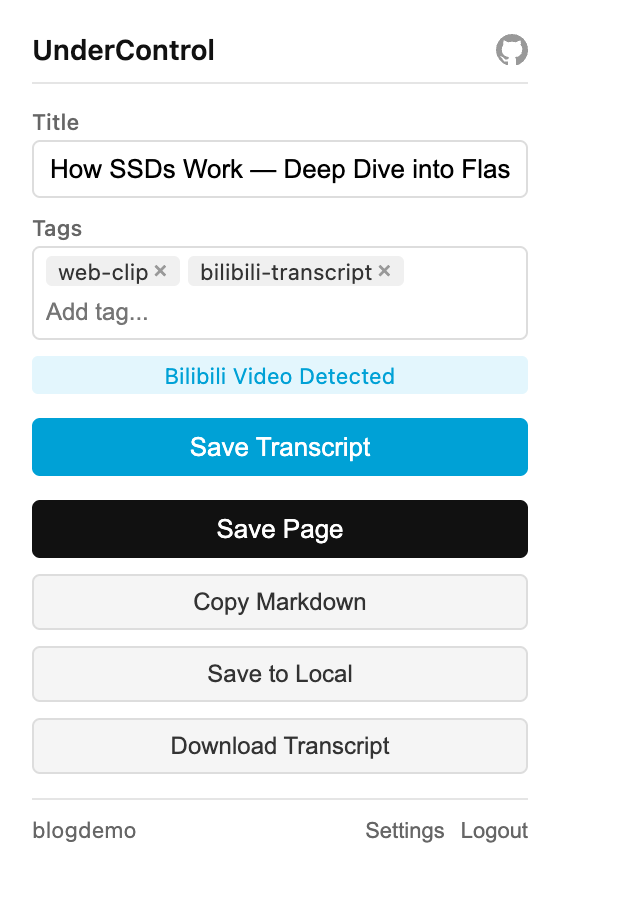
Web Clipper also ships with Bilibili transcript extraction: on a Bilibili video page, the extension detects the video and lights up a Save Transcript button that turns CC or AI-generated subtitles into a formatted Markdown transcript — download it locally or save it as an UnDercontrol task. Finish a tech talk video, and the transcript is archived in one click; handing it to an AI for a summary is one more.
Typical scenarios
- Feed your AI: copy a long article as Markdown and paste it into any AI to summarize, translate, or interrogate — far cleaner than pasting a link or a raw copy
- Read-later that actually happens: clip a worthwhile article into a task with a deadline; write your action items into the task notes when you're done
- Competitive research: clip competitors' pricing and feature pages into a research board — when they redesign next week, you still hold today's snapshot
- Bug evidence: a third-party page misbehaves? Clip a full snapshot onto the bug task; even after the page recovers, the scene is preserved
- Video study notes: turn a Bilibili tech video's subtitles into a Markdown transcript — archive it or let an AI distill the key points
Install and configure
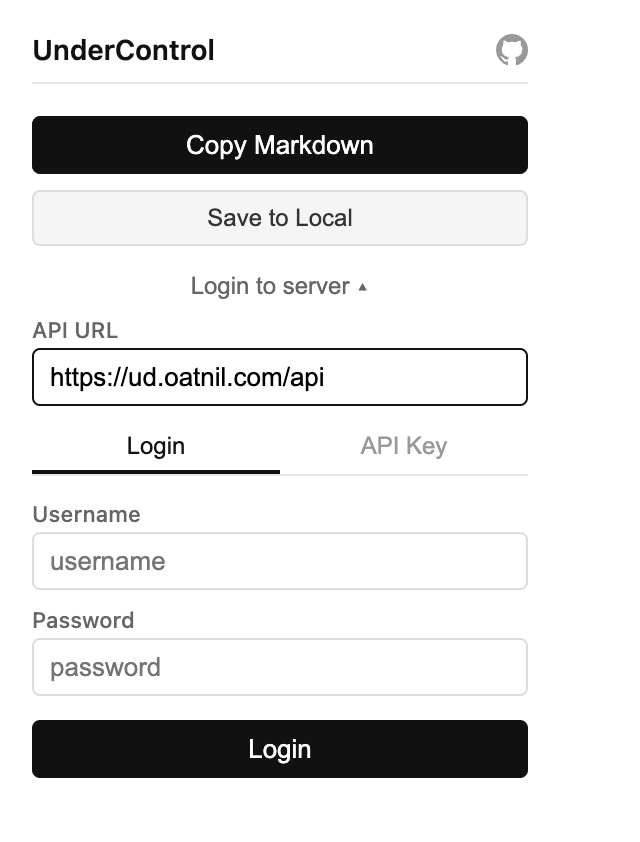
Install from the Chrome Web Store. Copy Markdown and local save work immediately with zero configuration; only "save as task" needs a connection to your UnDercontrol server — log in directly, or create an API key (starts with ak_) under Settings → API Keys in the web app.
Honest limitations
- Chrome internal pages (
chrome://,chrome-extension://) cannot be captured - Full snapshots of pages heavy with dynamic content can take up to 2 minutes
- A snapshot is a point-in-time copy — it won't change when the original page does (which is exactly the point)
The Web Clipper browser extension itself is open source under AGPL-3.0: github.com/oatnil-top/ud-chrome-extension.
Wrapping up
Without logging in, it's a clean "web page to Markdown + local archive" tool, born for feeding content to AI. Logged in, every clip lands in a task system with tags, kanban boards, and AI-agent access. Next time you want to hand a web page to an AI, try Copy Markdown first.