6 posts tagged with "Guide"

Guides and tutorials

View All Tags

Virtual Path: Where Tasks Settle into Knowledge and Docs

· 6 min read
Creator of UnDercontrol

I've watched too many tasks die the moment they hit "Done." The card gets archived and nobody ever opens it again — why we designed it that way, what pitfalls we hit, how it was verified, all buried inside. Two months later someone asks, and you retell it from memory.

Building UnDercontrol, I've held onto one conviction: a task shouldn't be disposable. Its body is already a Markdown document, its Notes record how it evolved step by step, and the comments keep the arguments from back then. Throwing all of that away when the work is done is just wasteful.

That's why Virtual Path exists.
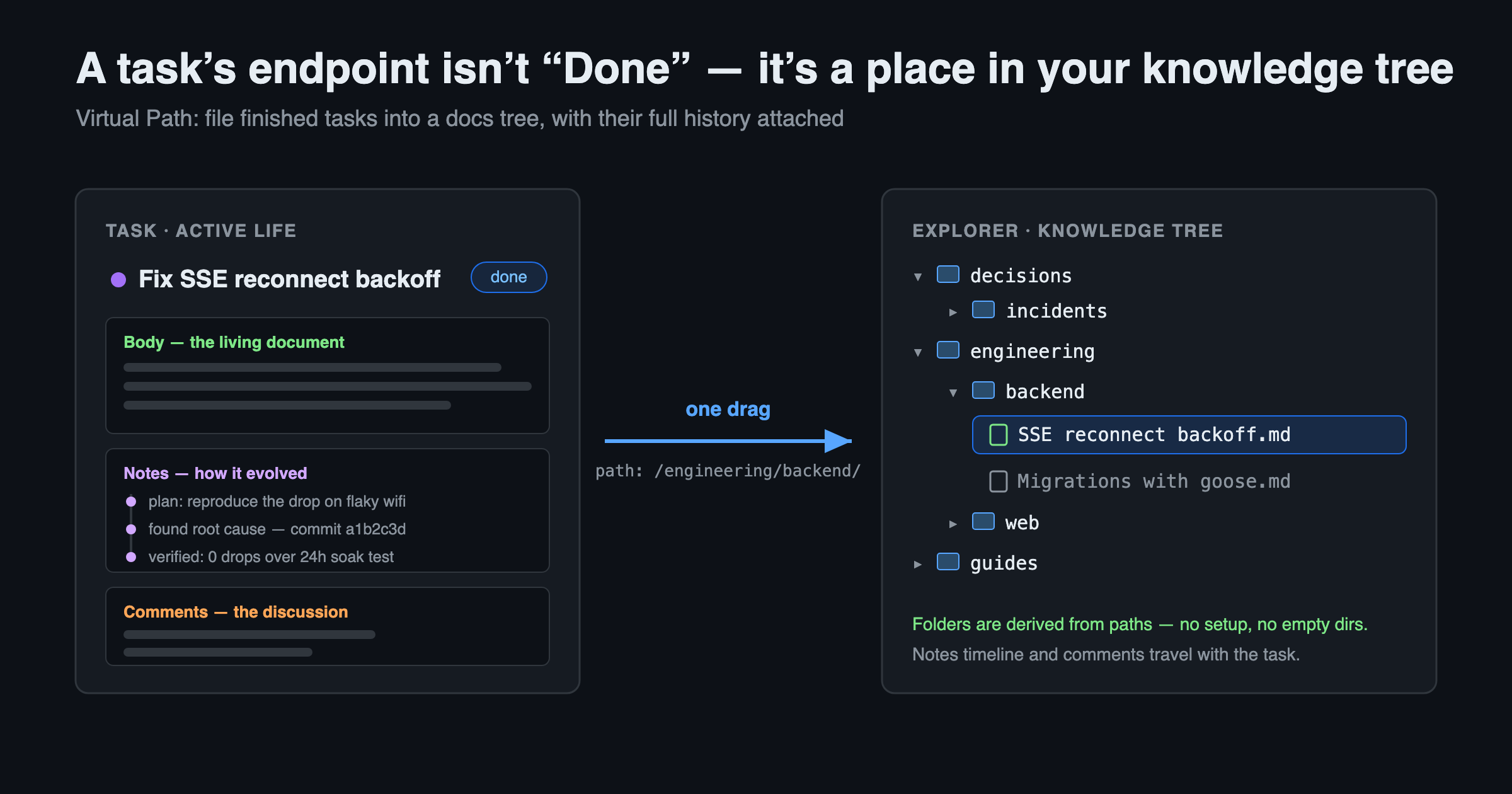
A task's endpoint isn't Done — it's a place in your knowledge tree

Turn Any Web Page into Clean Markdown for Your AI — UnDercontrol Web Clipper

· 6 min read
Creator of UnDercontrol

You want to hand a web article to an AI — to summarize it, translate it, or ask questions about it. How do you do that today?

Select-all and copy? You paste a mess of navigation bars, ads, recommendation widgets, and broken formatting. Send the link? Many AI tools can't fetch pages, and when they can, the result is often incomplete.

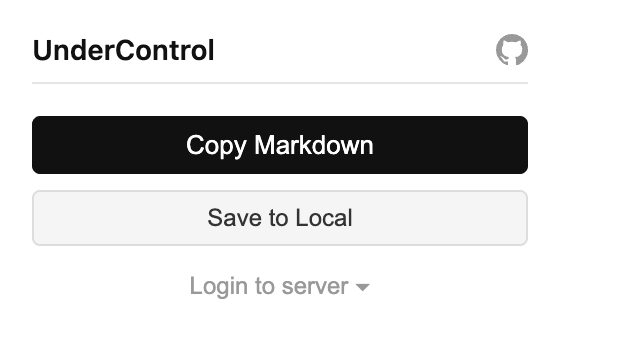
The UnDercontrol Web Clipper Chrome extension gives you a cleaner answer: click Copy Markdown, and the page's article content is extracted into tidy Markdown on your clipboard — no login, no account, no configuration. Install it and it works on any page. Paste it into Claude, ChatGPT, or any AI, and what it gets is pure content with zero noise.

Web Clipper popup — Copy Markdown and Save to Local, no login required

Tags and Custom Fields: Organize Tasks by Your Own Dimensions

· 7 min read
Creator of UnDercontrol

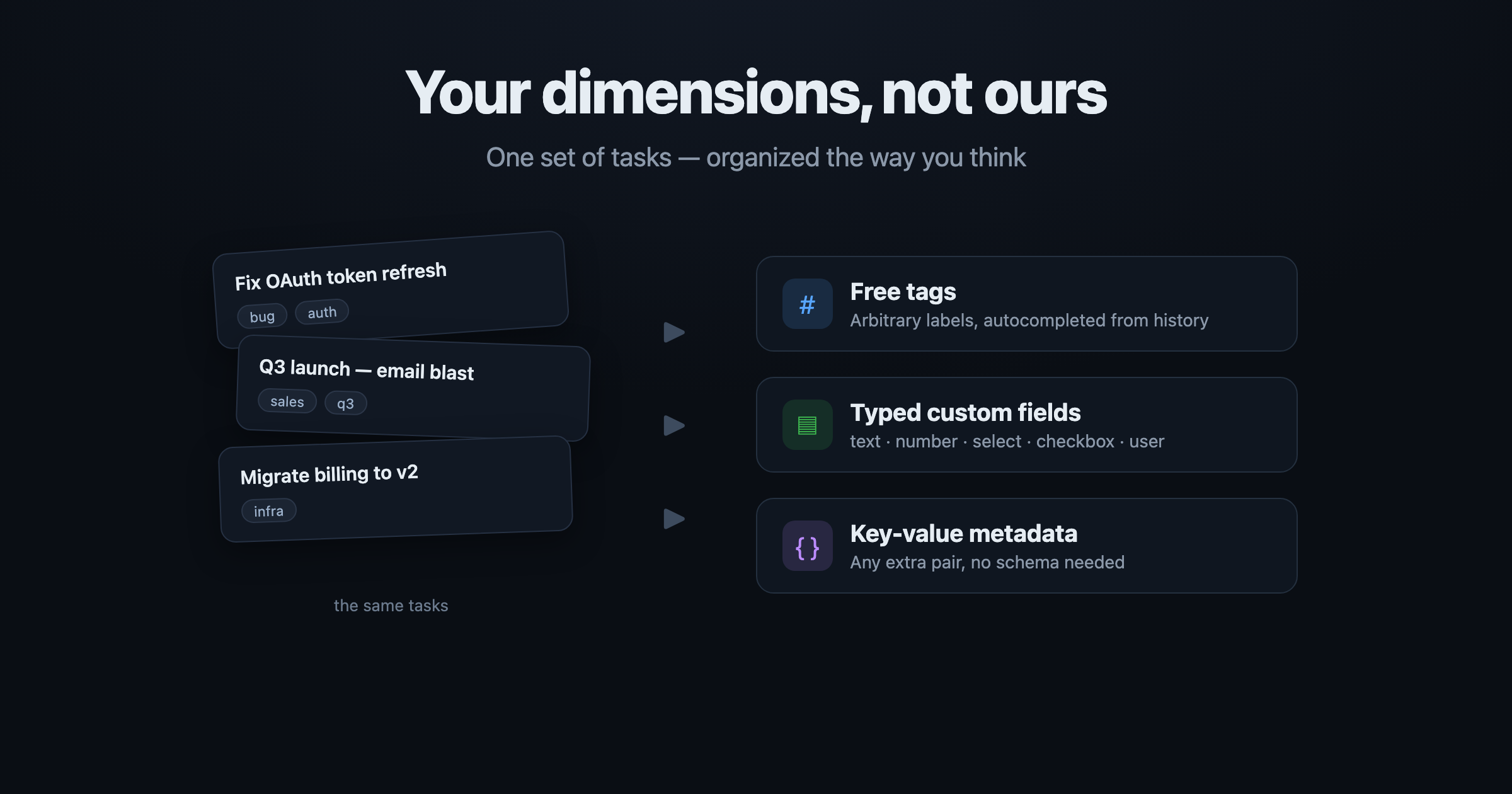
Most tools decide for you what a task "looks like": a few fixed dropdowns, a hard-coded set of fields, someone else's taxonomy. But in reality every person, every team, every workflow wants to track different dimensions — one needs "priority", another needs "client", "estimate", "department", and someone else just wants to slap on a tag and filter later.

UnDercontrol doesn't impose structure. It gives you three composable layers: free-form tags, typed custom fields, and arbitrary key-value metadata. All three are directly queryable, so you can slice the same set of tasks along your dimensions instead of bending to the tool's taxonomy.

This rests on a core UnDercontrol idea: a task is not just a to-do — it's a universal container for information. The same Markdown editor runs across tasks, notes, expenses, and accounts — every text surface. Tags and custom fields are how you layer your own structure on top of that container.

The same set of tasks, sliced freely by tags / custom fields / key-value metadata

Everything is a Task: One Container for To-dos, Docs, Notes, and a Knowledge Graph

· 7 min read
Creator of UnDercontrol

Unix has a famous design philosophy: everything is a file. Directories, devices, pipes, sockets — all read and written through one uniform interface. Simple, unified, composable.

UnDercontrol borrows the same idea, just with a different primitive: everything is a Task.

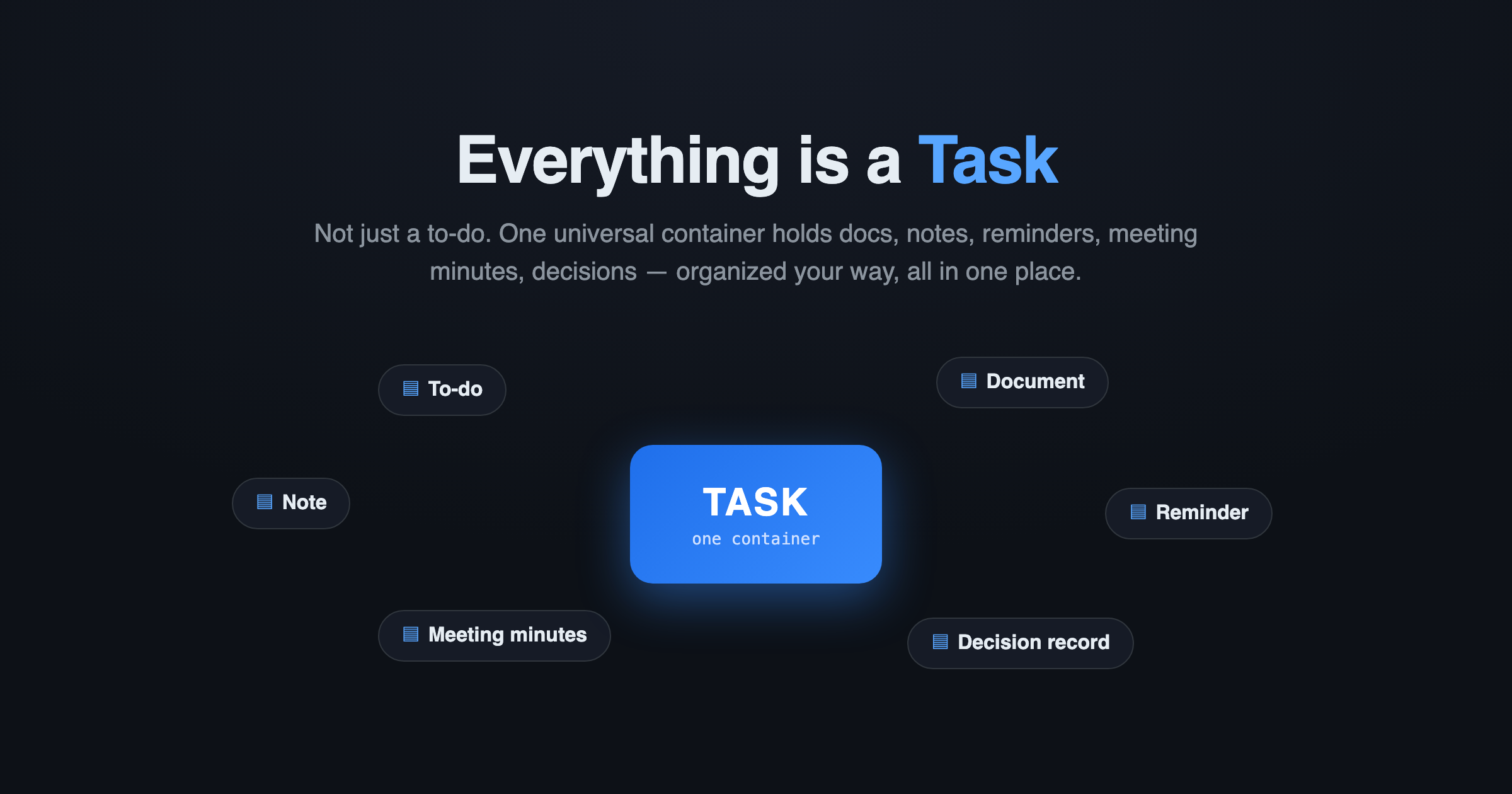
Everything is a Task

Most tools treat a "task" as a single line with a checkbox. UnDercontrol never did. Here, a Task is a universal information container — it can be a to-do, a document, a reminder, a blog draft, meeting minutes, a decision record, even a wiki page. One data source, organized your way, all in one place.

Everything as Code: When Your Tasks Become Markdown You Can Commit to Git

· 5 min read
Creator of UnDercontrol

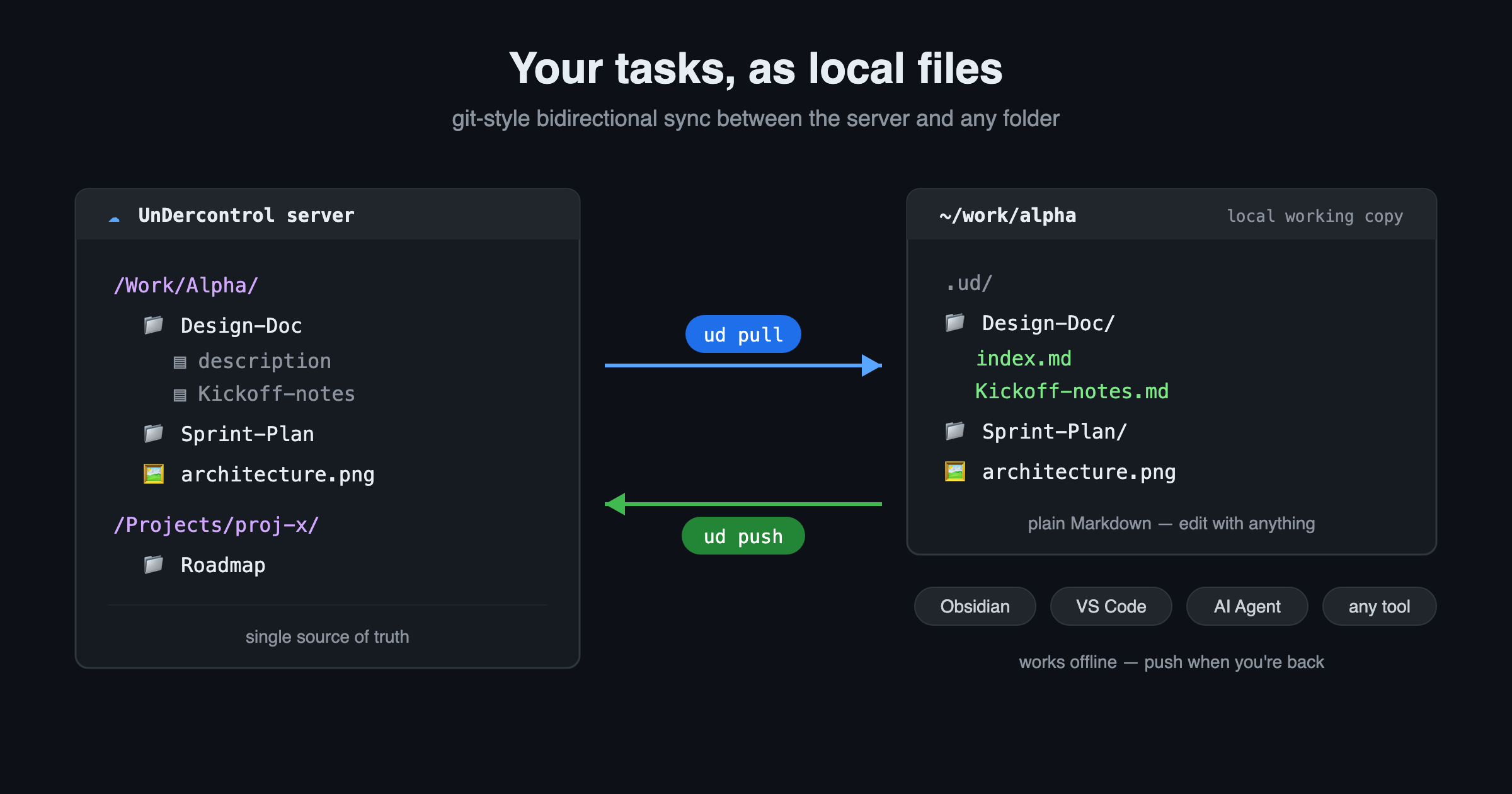
We've all gotten used to "X as Code" — infrastructure as code, configuration as code, docs as code. The reason is simple: plain text can be diffed, reviewed, version-controlled, and read or written directly by scripts and AI.

So why are your tasks, notes, and todos still locked inside some SaaS database, reachable only by clicking through its UI one item at a time?

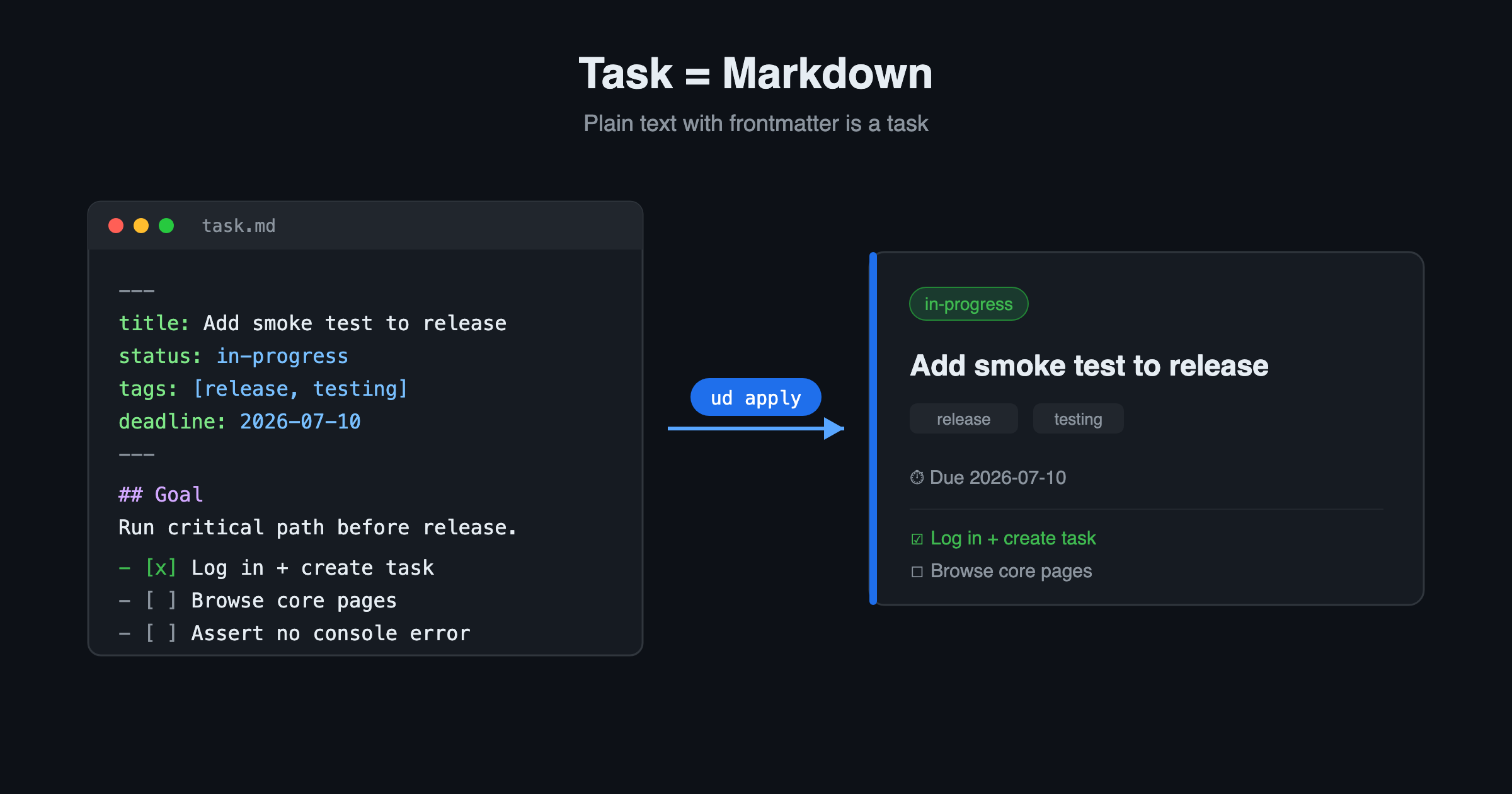
UnDercontrol's answer is Everything as Code. Here, a task is a piece of Markdown with YAML frontmatter. That's it.

A task is Markdown: plain text with frontmatter renders into a task card after apply